Config Notification Backend
Checklist Lấy File Push Notification (Firebase Service Account) để Server Gửi Push
1️⃣ Vào Firebase Console
-
Chọn project → Project Settings (biểu tượng bánh răng)
-
Tab Service accounts
2️⃣ Tạo / Tải Service Account
-
Chọn Generate new private key
-
Firebase sẽ xuất ra file
.json→ file này chứa:-
type,project_id,private_key,client_email... -
Đây là Service Account JSON dùng server gửi push qua FCM
-
Lưu ý bảo mật:
Không chia sẻ file này công khai
Không commit lên GitHub
3️⃣ Upload file lên server
-
Tải file
.jsonlên server backend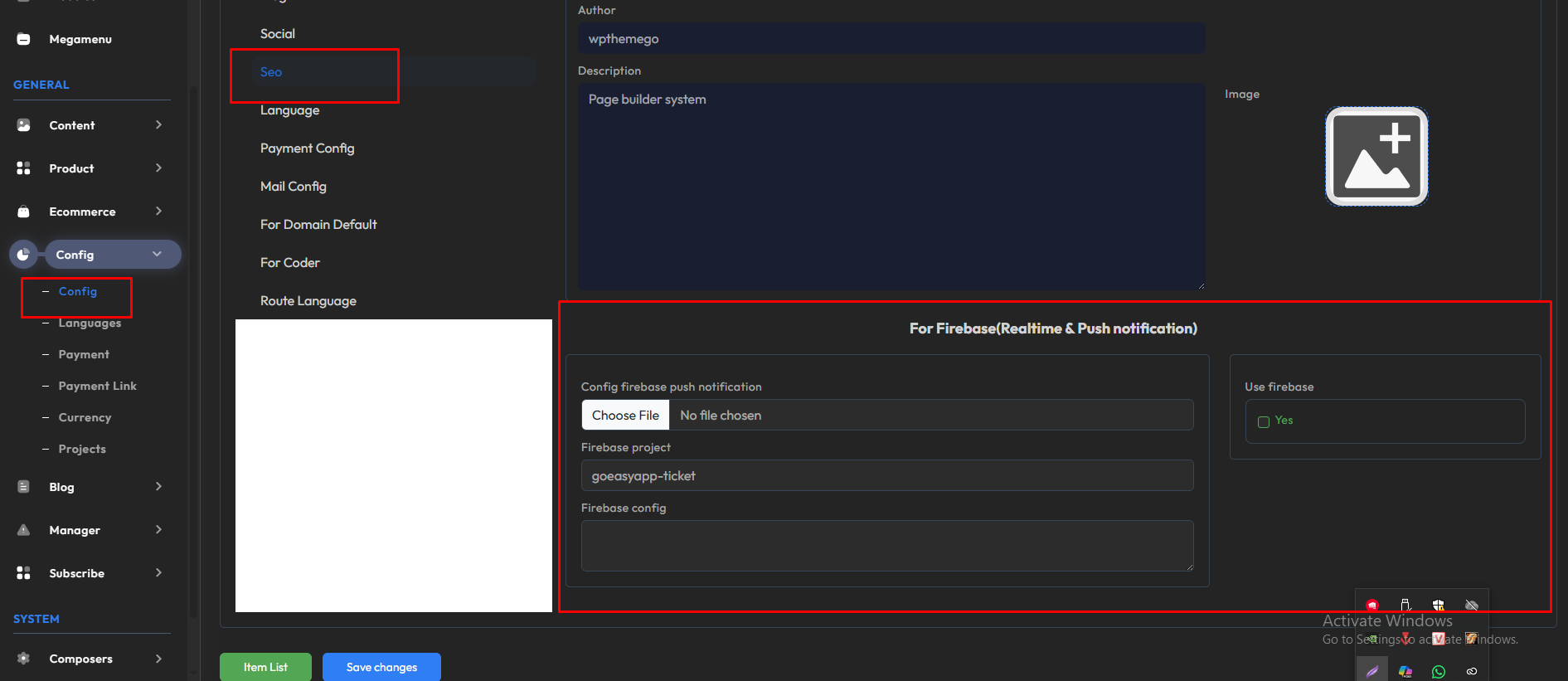
-
Lưu ở folder an toàn, chỉ backend mới đọc được